Read Grant's forecast assessment and plan
On a forecast page, Grant gives a call, what works for you, what holds you back, what is unknown, and a plan to get ready.
Written By GovPreneurs
Last updated 21 days ago
Grant is the AI assistant that reads one forecast. Grant advises. Grant does not decide for you.
Steps
- In the left menu, click Forecasts.
- Click a forecast to open its page.
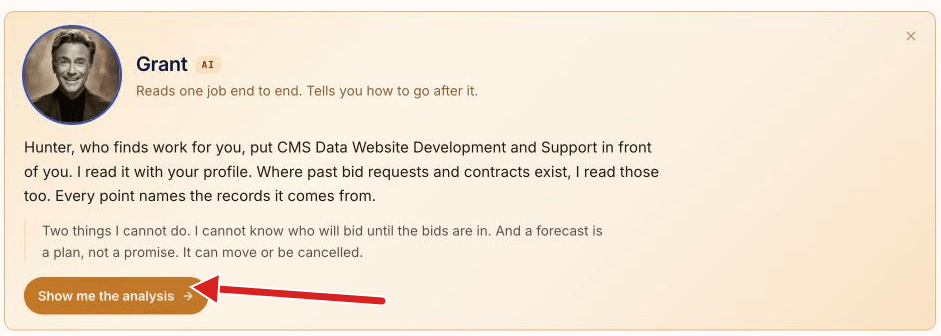
- If Grant's introduction shows, click Show me the analysis.
- Read Grant's read at the top.
- Read Get ready. Mark a step done when you finish it.
What Grant's read shows
- Grant's call: Prepare, Needs review, Skip, or Expected date passed. A forecast cannot be bid yet, so the words say what to do with the time.
- Confidence: High, Medium or Low.
- What works for you and What holds you back: the reasons for and against.
- Still unknown: facts the record does not give yet, and how to find each one.
- Prime path, Teaming path and Subcontract path: the three ways in. Each path reads Go, Not yet, Not needed or No-go. The best path has the tag Best way in.
What the lower sections show
- How to win it: past winners, what work like this was worth, and this office's record. See Understand comparable awards and counted figures in a forecast.
- Get ready: numbered steps. Tags on each step say who does it, for example You or Grant can help.
- Timeline: today, the time to prepare, and the expected date. See Federal fiscal-year and state or local forecast dates explained.
- Forecast source: who published the forecast, and the link to open it.
What you see next
To ask Grant your own question about the forecast, see Ask Grant a question about a forecast.
⚠️ If a box says "Waiting on ...": If the box names My Business, add that fact there. Other waits are for facts that the buyer has not given yet. See Which business facts affect opportunity matches?.
Related articles
Was this helpful?
Still need help? Share an idea