How do I follow an assigned Action Plan?
Open Your Action Plan on your home page, click a plan to open it, and do the steps in order.
Written By GovPreneurs
Last updated 21 days ago
An Action Plan is a list of steps that your mentor or the program assigned to you.
Steps
- In the left menu, click Success Center.
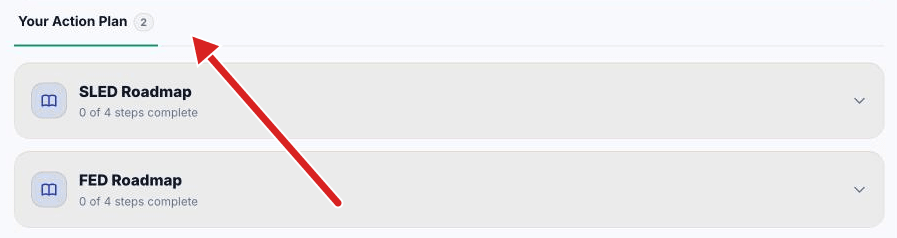
- Find Your Action Plan. A number beside it shows how many plans you have.
- Click a plan. It opens. It shows how many steps are complete.
- Read the plan description.
- If the plan shows a paper-clip link, click it to open the full document.
- Do the first step that is not done.
- For each step, use the links under it: Watch video, Open resource or an attachment.
- When a step is done, mark it. See How do I mark an Action Plan step complete?.
What you see next
- Done steps show a check mark and a line through the title.
- When every step is done, the plan says that all steps are complete.
- The same plans show on your Tasks page, in the Action Plan tab.
If a step asks for a file
Some steps let you upload a PDF. See How do I upload a PDF for an Action Plan step?.
Related articles
Was this helpful?
Still need help? Share an idea